How the rotoscope works
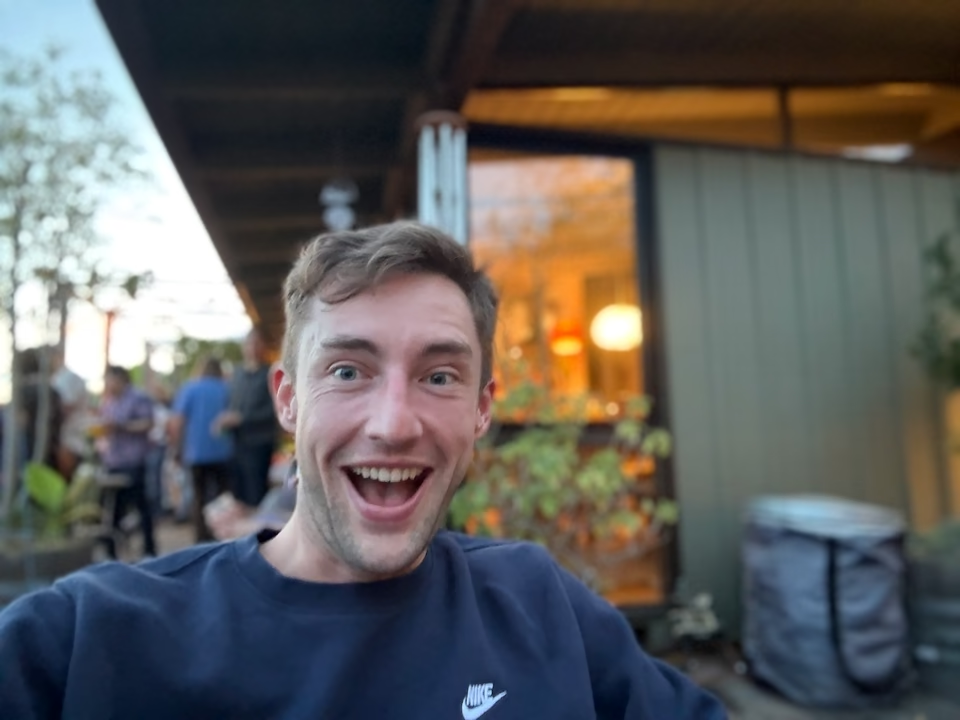
Rotoscoping usually means tracing a subject one frame at a time. This version starts with features instead: find the places worth preserving, grow a region around each one, then paint every region with one average color.
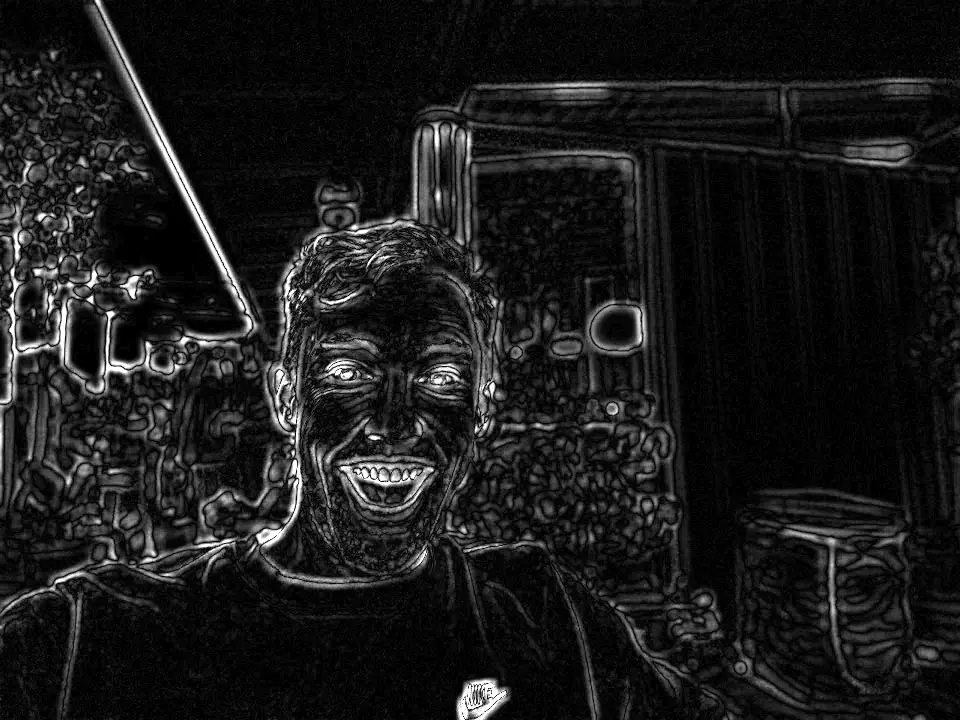
Start with what changed
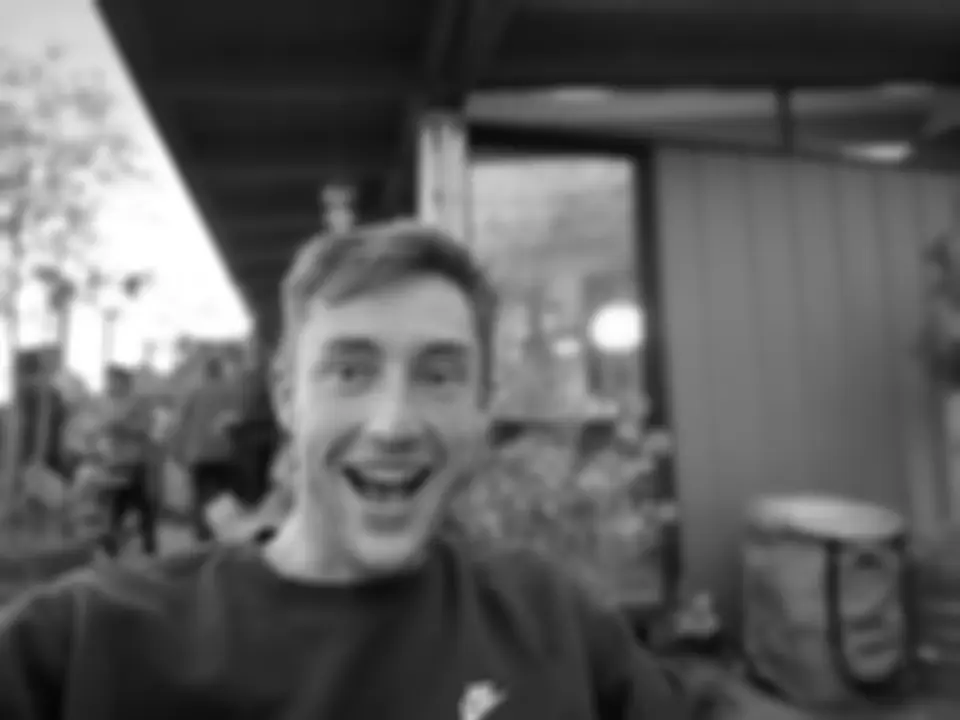
The original algorithm compares a frame with a clean background. On this page there is only one portrait, so a blurred copy stands in for that second frame. Subtract the two and the quiet parts disappear. Edges and small details stay bright.
Spend detail where it matters
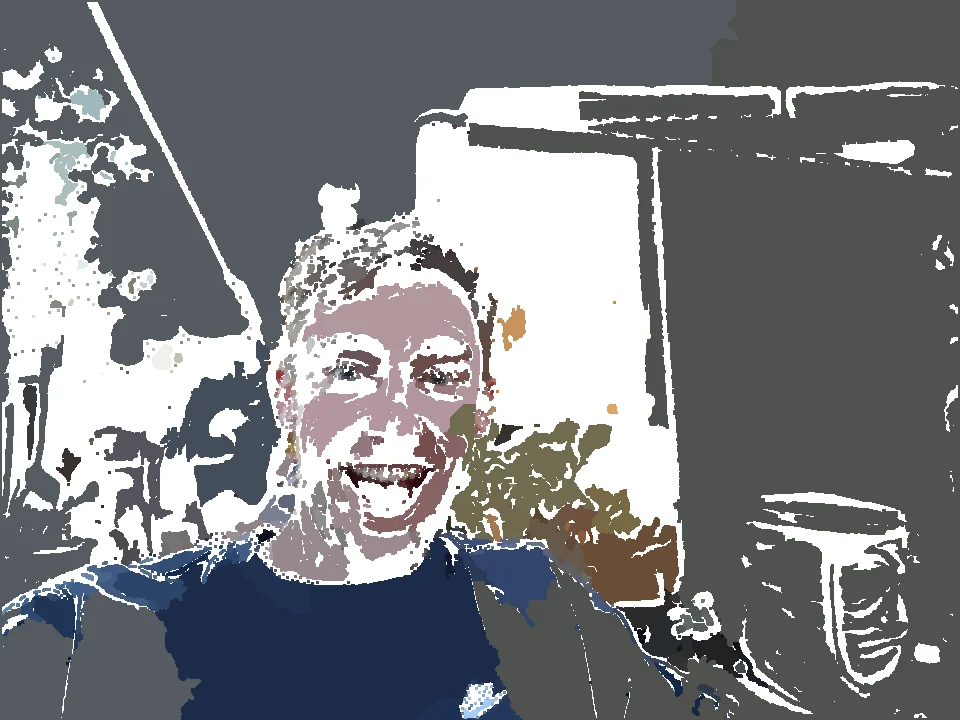
Shi–Tomasi scores the corners and texture in the difference image. The strongest points become markers. Half go to the face, three in ten to the body, and the rest to the background, so a busy wall cannot steal all the detail. Those 50/30/20 shares are the paper and engine defaults. The homepage portrait overrides them to 70/22/8 so the face keeps most of the budget, and that is the pass shown here.
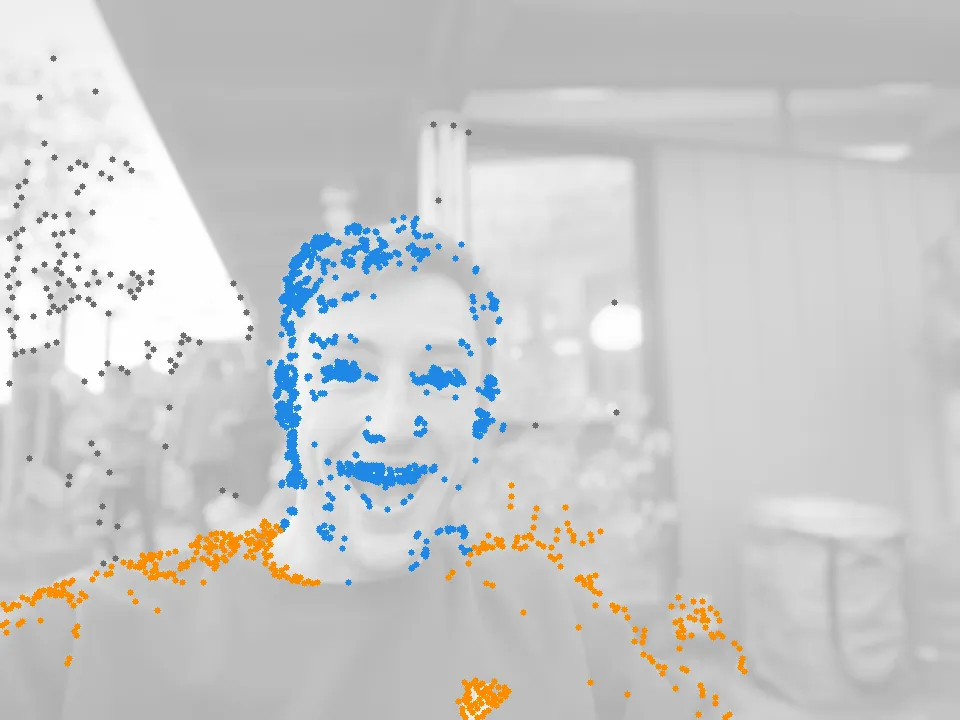
Let the regions grow
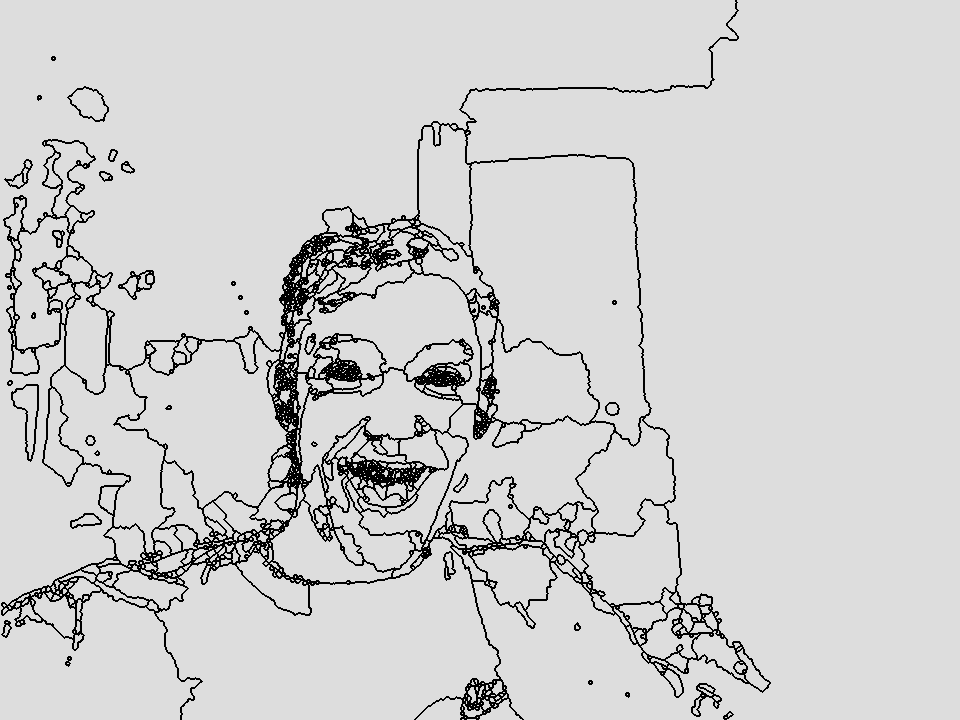
Imagine dropping every marker onto a landscape made from image edges. Each marker floods outward through easy ground and slows at a strong edge. When every pixel has been claimed, the image is divided into catchment basins.
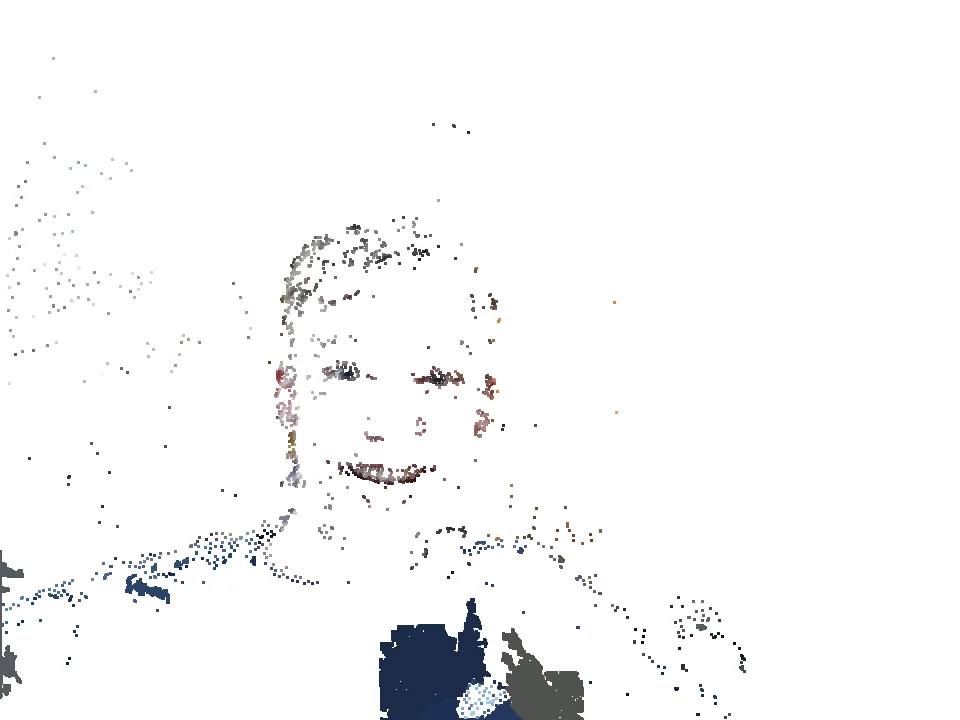
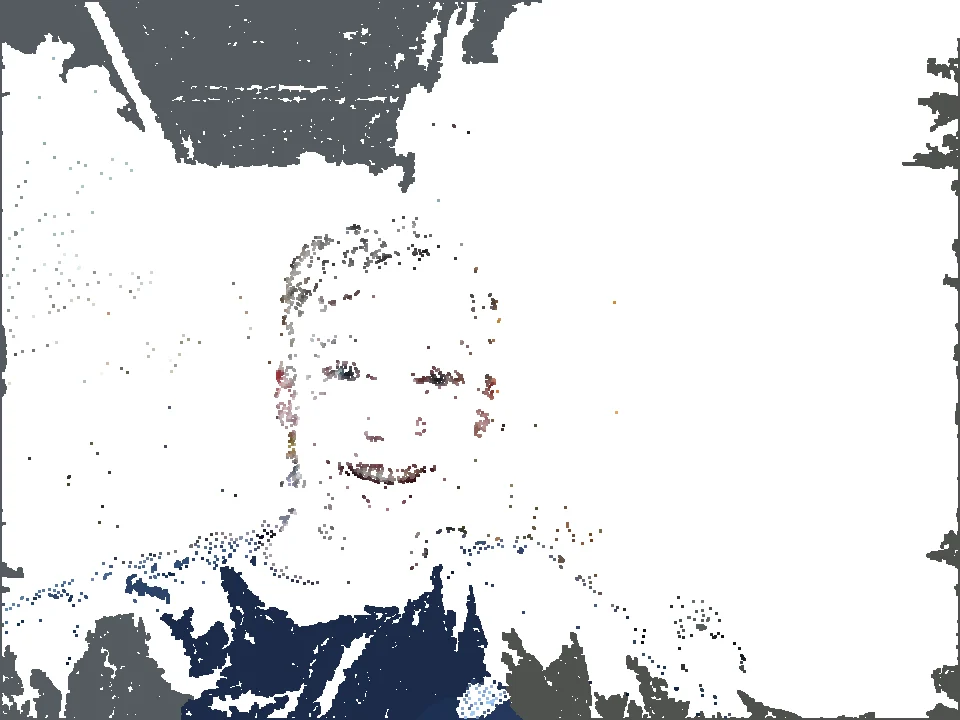
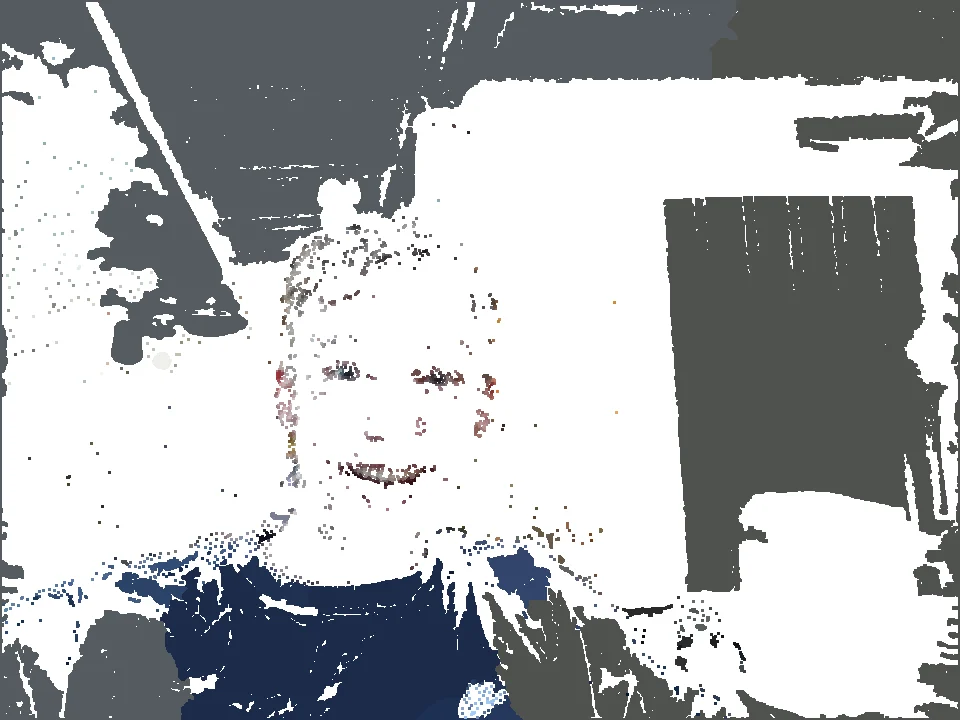
Replace pixels with paint
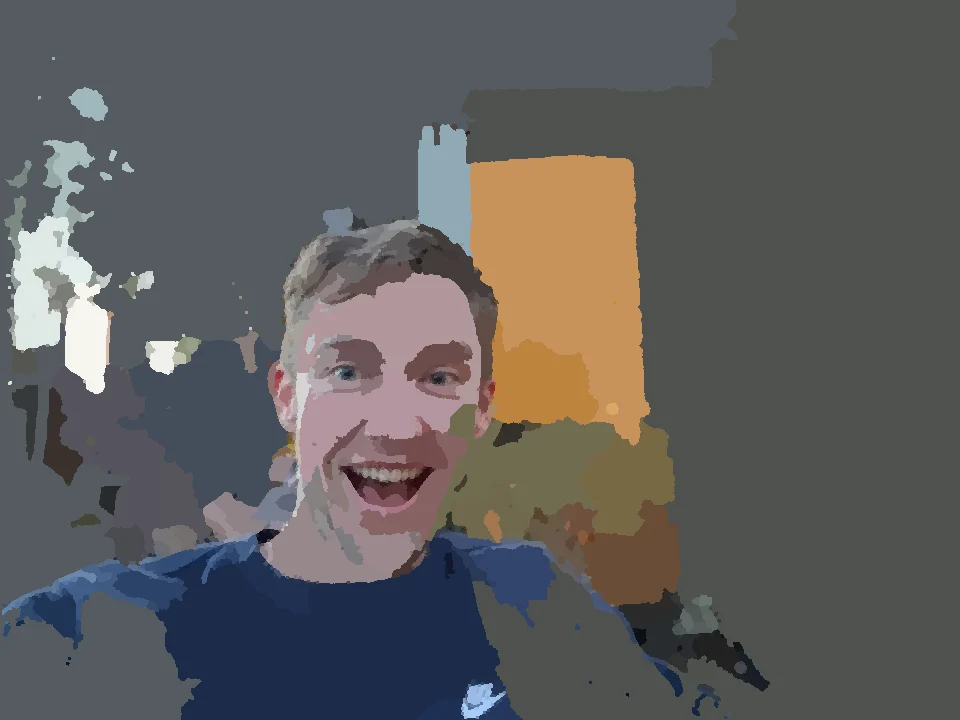
The final step forgets the tiny differences inside each basin. It averages the source colors in that region and fills the whole shape with one flat color. Hundreds of thousands of pixels become sixteen hundred painted pieces.
What changed for the browser?
The 2017 version used a clean background frame. The browser demo uses a blurred copy of one portrait instead. The stage order stays the same; two small kernels are simplified so it can run quickly at display size.